The session was recorded. The training video is still 'coming soon'.
A trainer, a whiteboard, the questions at the end — and a new hire starting Monday.
Someone ran a good session on how the system works, and someone had the sense to record it. New people keep asking for the training video, and the answer is always the 90-minute recording.
The steps are all in there — in the wrong order, between the questions.
Drop in the recording
It is transcribed on your machine, so every step is findable by what the trainer said, not by scrubbing.
Paste the steps
Write them in the order they should be learned. Endroll's AI finds where each one was explained and cuts them in that order. It doesn't reword the trainer, and a step nobody explained on camera is left out and named, not faked.
Tidy it by reading it
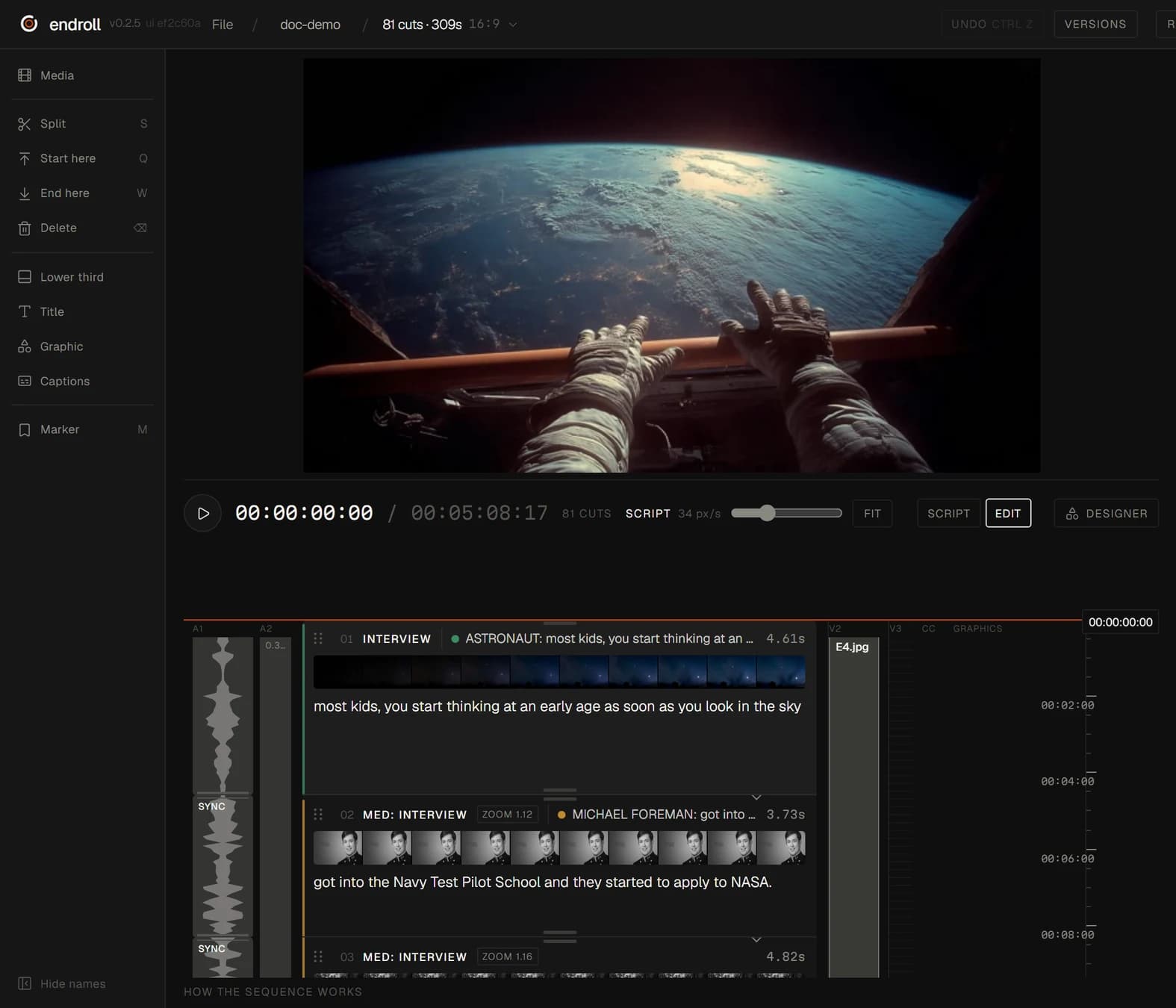
The film reads as its words. Mark the 'where was I' and press Delete, drag a section up or down. Every edit undoes.
Subtitles for the learning platform
Captions come from the transcript. Burn them into the film, or export them as SRT or WebVTT with a plain-text transcript beside them, ready to upload next to the video.
Endroll is one editor, read top to bottom: the film is a list of shots, each carrying the line spoken in it. You don't need to be an editor to read that — and if you are one, the cut opens in Premiere Pro, DaVinci Resolve or Final Cut.