You own the story. Endroll does the cutting.
You don't need to be an editor. Write what the video should say, and Endroll's AI finds the moments in your footage and builds the cut. It doesn't invent anything, and your full footage never leaves your machine.
The gate was never talent. It was three hours of watching.
A proper cut has meant hiring an editor or spending years learning to be one. Endroll watches the hours for you, on your machine, and hands you the cut.
You already shot it. Now get it cut.
Professional editor? Endroll does the assistant editor's work and hands you a clean timeline for your own bay.
A real cut, not a sizzle reel.
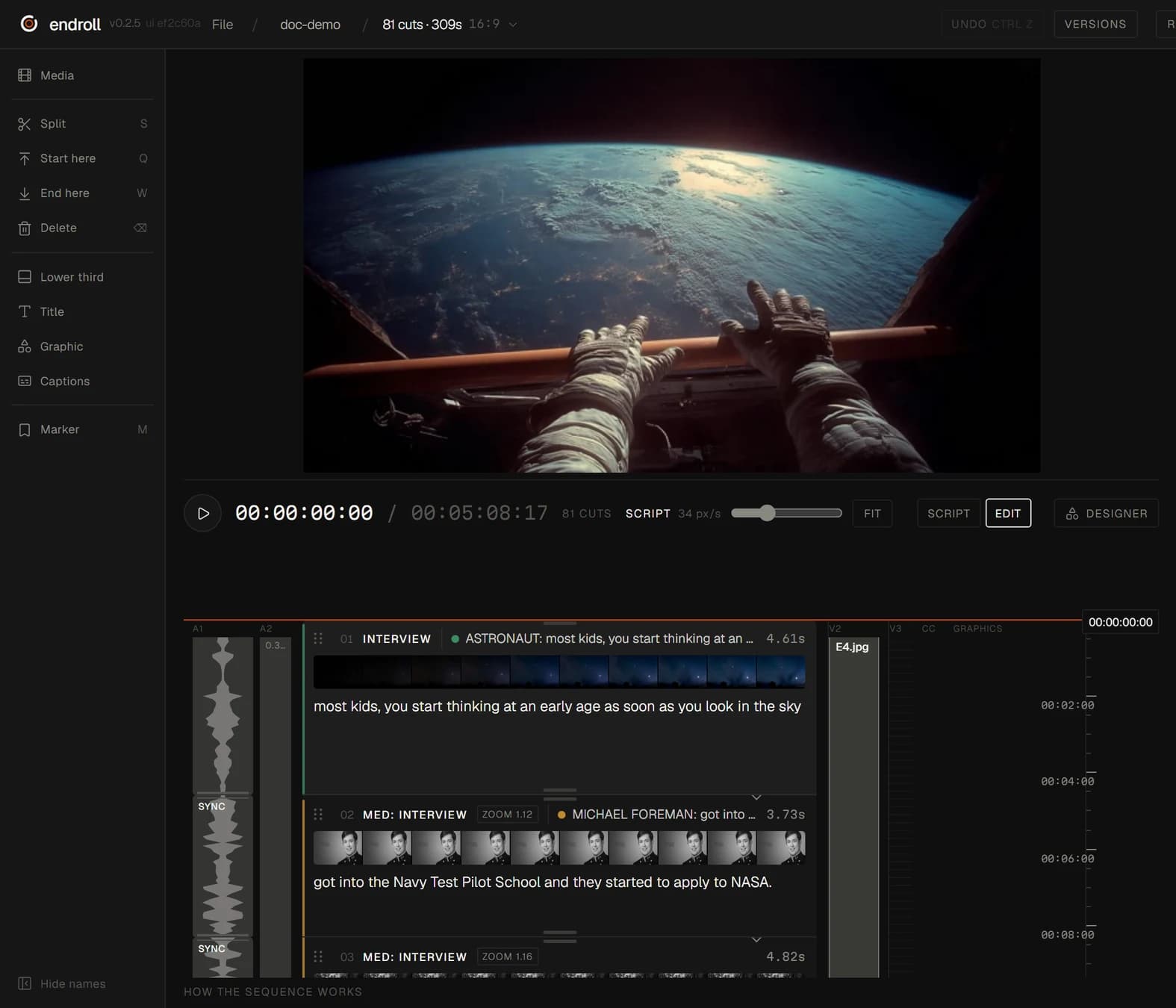
This is the editor as it ships, with a documentary cut from an astronaut interview and the footage around it. Every shot is a row carrying the line spoken in it. Approve it or change it.

Three takes. That's the whole workflow.
Point Endroll at the folder: phone clips, camera cards, last week's interview. It indexes everything on your machine: what's in the shot, what's said, what's usable.
Say what the video should say. Write a brief or a full script, or let Endroll draft one from what you actually shot.
Get a proper cut back with pacing, captions and your music under the dialogue. Approve it, or say what to change.
We're not claiming AI makes your story. We're claiming you don't need to be an editor to get a proper cut.

Tell it what to change. Like you'd tell an editor.
Mechanical changes happen on the spot for a few credits, with no re-cut. Creative work is a re-cut. Every message shows its price first.
Everything between your footage and a proper cut.
Cuts begin and end where the speaker does. The sound can run across a cut, the way an editor would do it, never over someone else's words.
Burned into the film, or exported as subtitles. They move out of the way of a lower third.
Your own track mixed under the dialogue, or one generated from a prompt, 3 seconds to 10 minutes.
A scoreboard that counts up when the score changes.
Lower thirds and titles come from templates.
Captions, cuts and the exported timeline follow the same clock.
Export the timeline to DaVinci Resolve, Premiere Pro or Final Cut. Your files stay where they are.
The Endroll panel for Premiere Pro is on Adobe Exchange. It puts your transcript on the timeline as markers.
New versions install in the background and restart on their own. No download page.
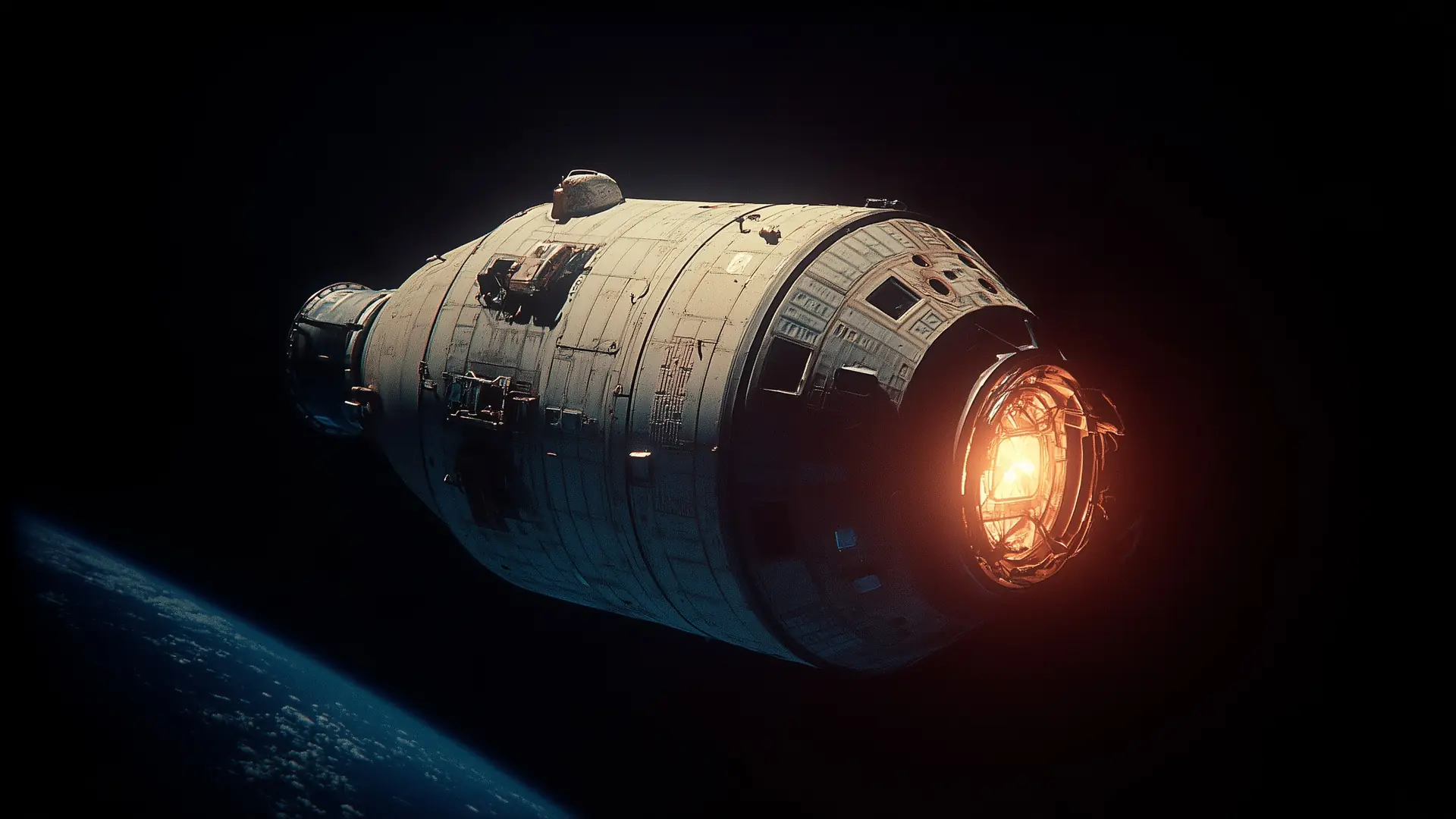
Your full footage never leaves your machine.
Endroll indexes and renders locally. Fit for client work, internal material, and anything you'd never upload to someone else's server.
Neither does your edit. Export the timeline to DaVinci Resolve, Premiere Pro or Final Cut whenever you want. No lock-in to be talked out of.
Pay for the cut. Not the hours, not the tries.
One monthly price: the editor and the month's credits. Editing on your machine never spends a credit — credits buy the AI's work only, and every cut shows its price before you press the button. Bring one hour of footage or ten: the same cut costs the same.
Starter
For weekly publishing.
1,500 credits / month
- →The full editor — indexing, transcription, timeline, rendering
- →Export to Resolve, Premiere or Final Cut — plus subtitles
- →~6 full AI drafts a month, plus generation and re-rolls
Pro
For teams that publish every week.
5,000 credits / month
- →Everything in Starter
- →~20 full AI drafts a month — daily assisted cutting
- →Priority support
Enterprise
For teams that buy on an invoice, not a card.
- →Credits sized to your volume
- →Billing by agreement
- →A named contact
- →Security review and DPA
Top up on your plan: 1,000 credits €19 or 5,000 credits €79, paid once. Extra credits never expire, and they raise your monthly generation limit by what you buy. For subscribers only.
Free trials open in batches. Sign in to join the list; when your spot opens you get the whole editor for 14 days and 600 credits — enough for a first cut and a revision from your own footage. It ends on its own; nothing is charged unless you subscribe. A paid plan starts right away.
Subscribe with the email you sign in with — one email, one code, no password. A cancelled plan keeps working until the end of the month you paid for. Prices include VAT where applicable — tax is handled at checkout by Dodo Payments, our Merchant of Record.
Before you ask.
Does the AI make things up?
No. The cut is made from what you shot: it finds the moments and puts them in order. Generated music or graphics appear only when you ask for them.
Do I need to know how to edit?
No. You say what the video should say and approve the cut. If you do edit, the full editor is there, and the timeline exports to your own bay.
How far do the credits go?
Starter covers about 6 full AI drafts a month, Pro about 20. Small edits in chat cost a few credits and need no re-cut, and every paid job shows its price first.
Does my footage leave my machine?
Your full footage never leaves your machine. Indexing, editing and rendering run locally.
What does it run on?
Windows 10/11 (64-bit), or a Mac with Apple silicon (M1 or newer, macOS 13+).
“I've cut video professionally for over 20 years, and somewhere along the way I noticed where my attention was actually going. Not into the story. Into the software.”
Let me be straight: AI does not yet cut a finished video that clears a professional bar. Twenty years in, I'm as skeptical as you are. But it can save tens, on big projects hundreds, of hours of boring work, so an editor can focus on where they shine: the story.
That's Endroll. The simplest editor I could build, with AI assisting all the way to a proper cut. And if you're an editor yourself, take the timeline into your own bay for the final polish.
Tomi, founder