Endroll vs OpusClip
An OpusClip alternative for when you need one film that tells a story, not a batch of shorts cut from one long video.
Pick OpusClip if you have a long video — a podcast, a webinar, a stream — and want many short vertical clips from it, captioned, reframed and posted to social platforms.
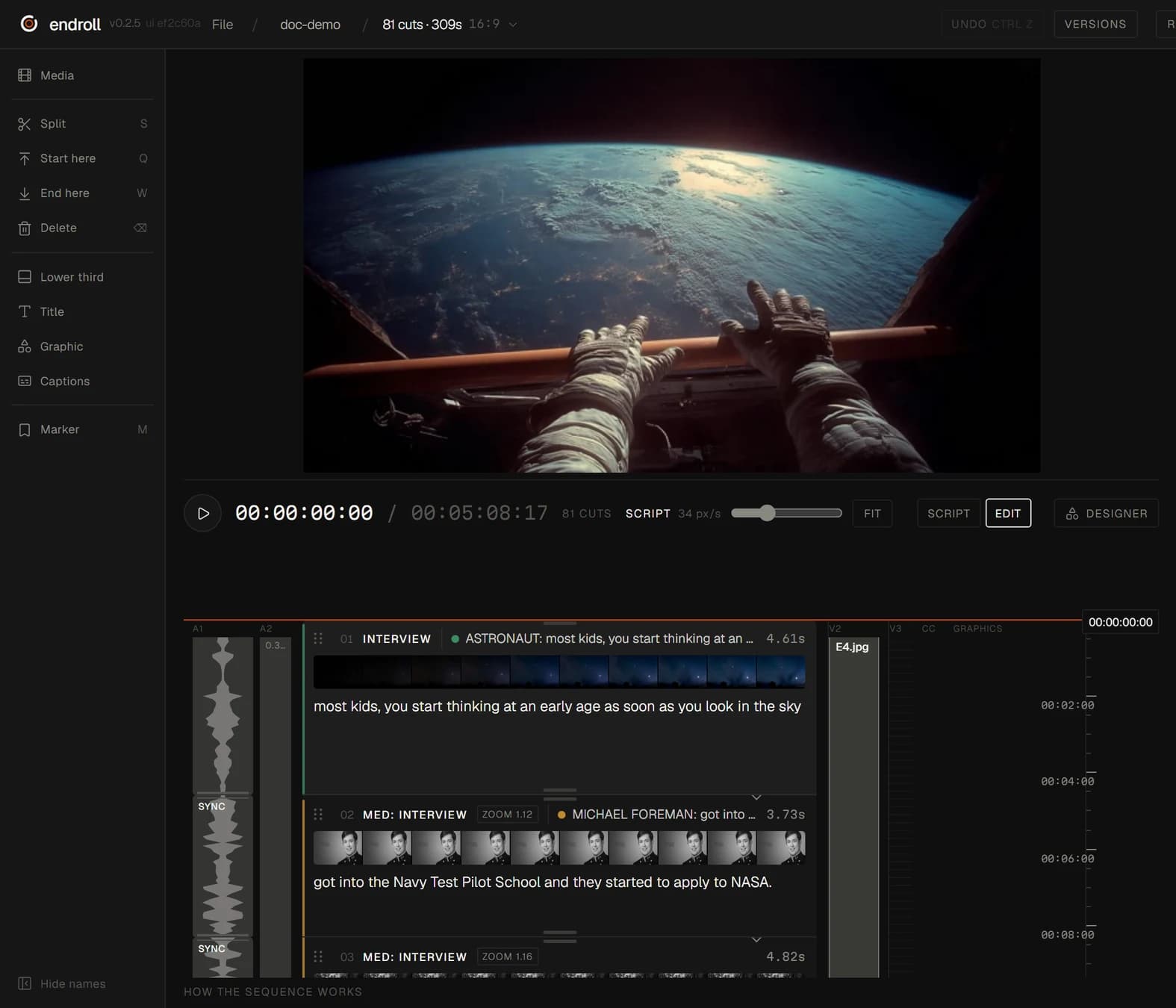
Pick Endroll if you have a pile of footage from a shoot or an event and need one edited film with a point: you write what it should say, and the AI builds the cut from your clips on your Windows machine.
What each one is built for
| Feature | OpusClip | Endroll |
|---|---|---|
| Approach | Clipping tool: OpusClip “turns long videos into high-quality viral clips, and publishes them to all social platforms in one click.” | Script-first editor. You write what the video should say, and the AI builds an editable cut from your own footage. |
| What you start with | A long video, uploaded (up to 10 GB per video on Free and Starter, 30 GB on Pro) or linked from sources such as YouTube or Google Drive on paid plans. | A folder of your own footage — phones and cameras mixed — plus a script or a short brief. |
| What the AI does | AI clipping (ClipAnything) with a Virality Score, AI captions in 20+ languages, reframing for each platform (ReframeAnything), AI B-roll, filler and silence removal, and a social scheduler. | Indexes the footage on your machine (transcription, shot descriptions), picks the moments that fit your script and assembles the cut. You change it by hand, or ask for a re-cut in plain words. |
| Where your footage is processed | In OpusClip's web app: you upload the video or give it a link. | On your machine. Indexing, editing and rendering run locally, and your full footage never leaves your machine. The cloud AI receives transcripts, clip descriptions, the cutting plan and small preview stills. |
| Export to an editing app | MP4 clips, direct posting to social platforms, and export to Premiere Pro and DaVinci Resolve on the Pro and Business plans. | Send the cut to Premiere Pro (through the Endroll panel on Adobe Exchange) or straight into DaVinci Resolve, export FCPXML for Final Cut Pro, or render the finished video locally. |
| Pricing model | Credit-based plans: Free with 60 credits a month; Starter $15/month billed monthly with 150 credits; Pro $29/month (or $174 billed annually) with 300 credits a month; Business custom. | Starter €29/month with 1,500 credits, Pro €59/month with 5,000. Credits pay only for AI work — drafts, re-cuts, assistant edits — and each job shows its price before it runs. Editing by hand never spends credits. 14-day trial with 600 credits, no card. |
| Runs on | Web app, plus an API. | Windows 10/11 desktop app. Mac is on the way. |
When OpusClip is the better fit
- You have one long video and want lots of short clips from it, fast.
- Your output is vertical shorts for TikTok, Reels and YouTube Shorts, with captions and posting built in.
- You want each clip given a Virality Score, and a scheduler to post them.
- You work in a browser, on any computer. Endroll is a Windows app today.
- You want to start on a free plan.
When Endroll is the better fit
- You don't have one long video — you have a folder of clips from a shoot, an event or several phones.
- You need one considered film, not many fragments: you write what it should say, and the AI picks the moments that say it.
- The footage can't be uploaded. Your full footage never leaves your machine: indexing, editing and rendering run locally.
- You finish in Premiere Pro, DaVinci Resolve or Final Cut — Endroll exports the timeline to all three in every plan.
- You want to change the cut in plain words — too long, drop the keynote, more of the demo — and see the price before the AI runs.
Try it on your own footage.
The free trial is the whole editor for 14 days with 600 credits — enough for a first cut and a revision. No card, and it ends on its own. Trials open in batches: sign in to join the waitlist.
Competitor details checked on from their public websites; features change — check their site for current details. Sources: opus.pro, opus.pro/pricing. OpusClip is a trademark of its owner. Endroll is made by RagingRam Oy and is not affiliated with OpusClip.