Endroll vs Eddie AI
An Eddie AI alternative for when the footage should stay on your machine, and the person writing the story isn't an editor.
Pick Eddie AI if you are an editor who wants interviews, multicam and B-roll logged and assembled, then sent to Premiere, Resolve, Final Cut or Avid — from the app, from ChatGPT or Claude, or through an API, on Mac or Windows.
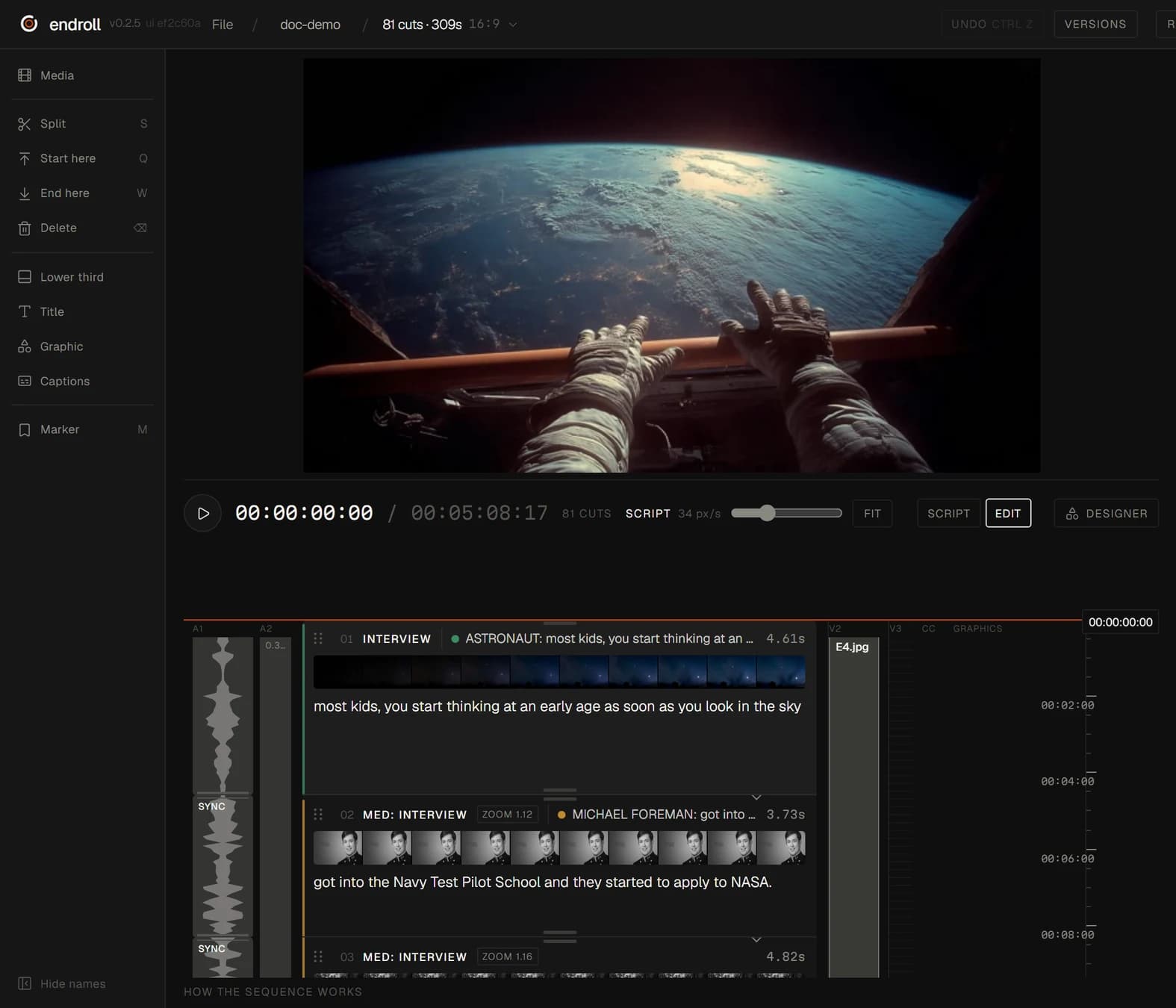
Pick Endroll if you write what the video should say and want the AI to build the cut from footage indexed on your own Windows machine, with the finished film rendered locally or the timeline handed to your editor.
What each one is built for
| Feature | Eddie AI | Endroll |
|---|---|---|
| Approach | “An AI video editor you direct in plain language,” built for pros. Work in the app, or hand the project to an agent in ChatGPT, Claude or the API. | Script-first editor. You write what the video should say, and the AI builds an editable cut from your own footage. |
| What you start with | Your footage — interviews, podcasts, webinars, talking-head and multicam shoots — from local files, Google Drive, Dropbox, LucidLink, iconik or a Premiere, Resolve or FCP project. Scripts, outlines, PDFs and shot lists can feed the edit. | A folder of your own footage — phones and cameras mixed — plus a script or a short brief. |
| What the AI does | Logs A- and B-roll, transcribes in 100+ languages, builds assembly cuts, picks takes and cuts them to your script or outline, syncs multicam and makes social clips. Polish includes color grading, generated music and voiceover, captions and titles. | Indexes the footage on your machine (transcription, shot descriptions), picks the moments that fit your script and assembles the cut. You change it by hand, or ask for a re-cut in plain words. |
| Where your footage is processed | The desktop app makes light working copies (proxies) of your footage to upload, and some files upload as they are; originals stay on your drive. Enterprise plans list on-prem in your own cloud. | On your machine. Indexing, editing and rendering run locally, and your full footage never leaves your machine. The cloud AI receives transcripts, clip descriptions, the cutting plan and small preview stills. |
| Export to an editing app | Premiere Pro, Final Cut Pro, DaVinci Resolve and OTIO; cuts can be sent to Avid Media Composer (beta). MP4 renders. | Send the cut to Premiere Pro (through the Endroll panel on Adobe Exchange) or straight into DaVinci Resolve, export FCPXML for Final Cut Pro, or render the finished video locally. |
| Pricing model | Pay-as-you-go credit packs, no subscription required: 1,000 credits $10, 5,000 $45, 15,000 $120, 50,000 $350; packs never expire and new accounts get 500 free credits. Importing runs about 250 credits per hour of footage; larger jobs show an estimate first. Optional yearly plan. | Starter €29/month with 1,500 credits, Pro €59/month with 5,000. Credits pay only for AI work — drafts, re-cuts, assistant edits — and each job shows its price before it runs. Editing by hand never spends credits. 14-day trial with 600 credits, no card. |
| Runs on | Mac and Windows desktop app, web app and an iPhone companion. | Windows 10/11 desktop app. Mac is on the way. |
When Eddie AI is the better fit
- You are an editor and want logging and an assembly cut that you finish in your own NLE — including Avid Media Composer.
- Your work is interview-led: documentaries, multicam podcasts, talking heads.
- You want to drive the edit from ChatGPT, Claude, an API or a CLI.
- You prefer pay-as-you-go credit packs to a monthly plan.
- You work on a Mac. Endroll runs on Windows today.
When Endroll is the better fit
- Your footage shouldn't be uploaded, not even as proxies. Your full footage never leaves your machine: indexing, editing and rendering run locally.
- You aren't an editor. You write what the film should say, and Endroll finds those moments and builds a cut you can read top to bottom.
- You want the finished video, rendered on your machine — or the timeline in Premiere Pro, DaVinci Resolve or Final Cut when an editor takes over.
- The amount of footage shouldn't change the bill. Indexing spends no credits, so one hour or ten, the same cut costs the same.
- Editing by hand never spends credits. Credits pay for the AI's work, and each job shows its price before it runs.
Try it on your own footage.
The free trial is the whole editor for 14 days with 600 credits — enough for a first cut and a revision. No card, and it ends on its own. Trials open in batches: sign in to join the waitlist.
Competitor details checked on from their public websites; features change — check their site for current details. Sources: heyeddie.ai, heyeddie.ai/pricing, Eddie Help Center: What is Eddie AI?, Eddie Help Center: Where the desktop app keeps files. Eddie AI is a trademark of its owner. Endroll is made by RagingRam Oy and is not affiliated with Eddie AI.